It takes 3 steps to go viral
Upload your video
Drop any MP4/MOV or paste a YouTube / TikTok link.
Run Icon Generator
Clipdify processes it with AI in seconds — no software to install.
Export & post
Download, or schedule straight to TikTok, Reels, Shorts and more.
Full control with our web editor.
Feels like magic.
⚡ Try Clipdify Now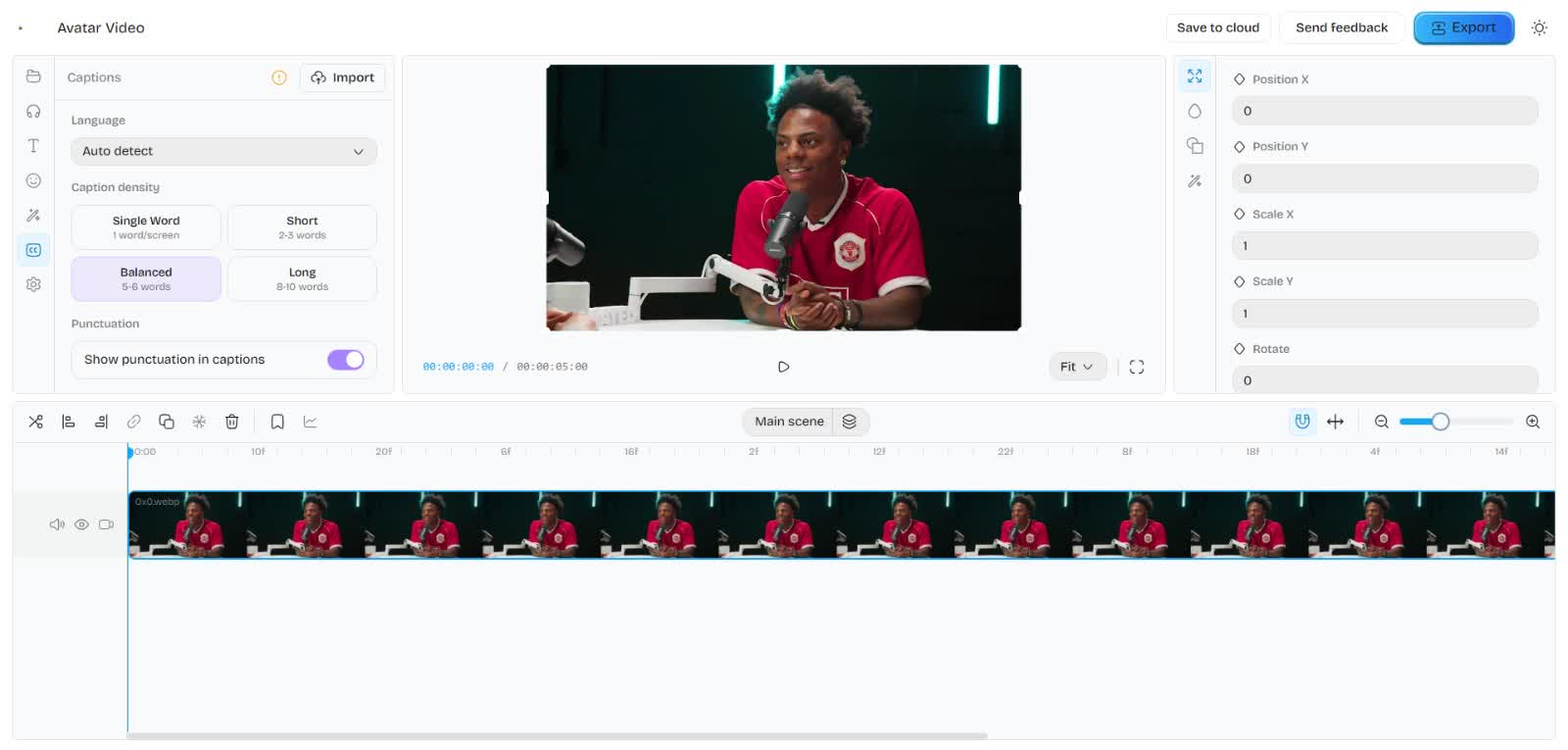
Features
Clipdify has everything you need to go viral
From multilingual captioning to auto-clipping and scheduling, we've got you covered.
AI Captions
AI Voiceover
 ▶
▶Aarav
 ▶
▶Priya
 ▶
▶Kabir
This script will be turned into a natural voiceover for your clip.
Auto-Clip
 Hook 9812:14
 Hook 9723:08
 Hook 9641:32
 Hook 9558:47
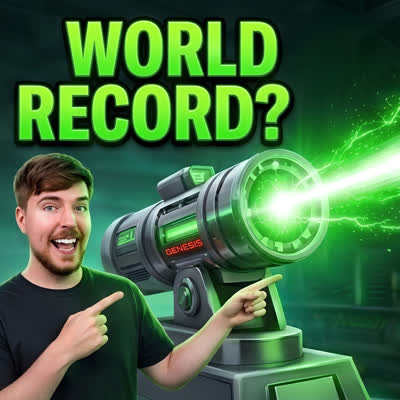
AI Images & Thumbnails



Background Remover
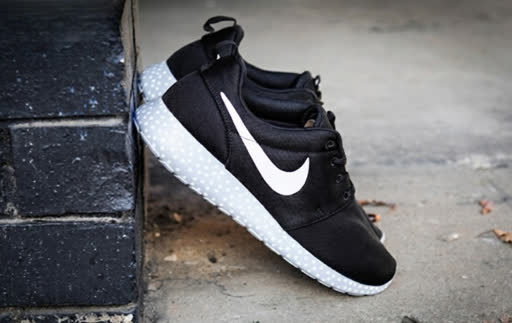 Before
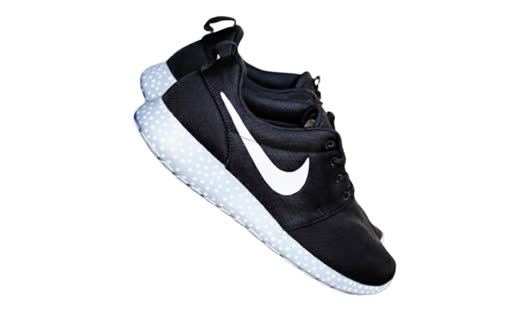 After
AfterSpeech Enhancer
Raw
Enhanced
Clipdify Has Generated Billions of Views.
For Millions of Creators.
 Musa
MusaI've clipped for some of the biggest creators. Clipdify is the tool I wish I had when I started.
 Aisha
AishaFinally captions that get Urdu and Hinglish right. 10/10.
 Daniel
After running channels with 1M+ subscribers, Clipdify solved my scaling problems.
 Ravi
RaviFormatting and clipping is so much easier — now I focus on finding the trends.
 Brandon
The auto-clipper is insane. It saves me from three different tools.
 Zara
ZaraI wish I found this sooner. Best subscription I have for Shorts.
FAQs
Frequently asked questions
A single workspace that captions your videos in regional languages, auto-clips the viral moments, and distributes them to every platform on a schedule.
Hindi, Urdu, Bengali, Tamil, Telugu, Kannada, Malayalam, Gujarati, Punjabi, Marathi, Sindhi, Nepali, Pashto, Arabic, Malay and English — code-switching ready.
It scores every 15–90s window for hooks, punchlines and emotional peaks, then reframes each vertical with captions burned in. You approve before anything posts.
TikTok, Instagram Reels, YouTube Shorts, X, Threads and Facebook — from one calendar with per-platform crops and captions.
Yes — enough transcription and clips to caption a short reel end-to-end every month. Exports are watermarked on free.
No. Clipdify runs entirely in your browser — Chrome, Edge, Safari, Brave. No plugin, nothing to break.
Yes — burn-in to MP4 up to 4K, or export clean SRT/alpha files for Premiere, DaVinci Resolve, Final Cut and CapCut.
Your raw clips never leave your browser unless you export. Cloud storage is opt-in per project. We don't train models on your videos.
Still have questions?
Contact our support team for any concerns or inquiries.